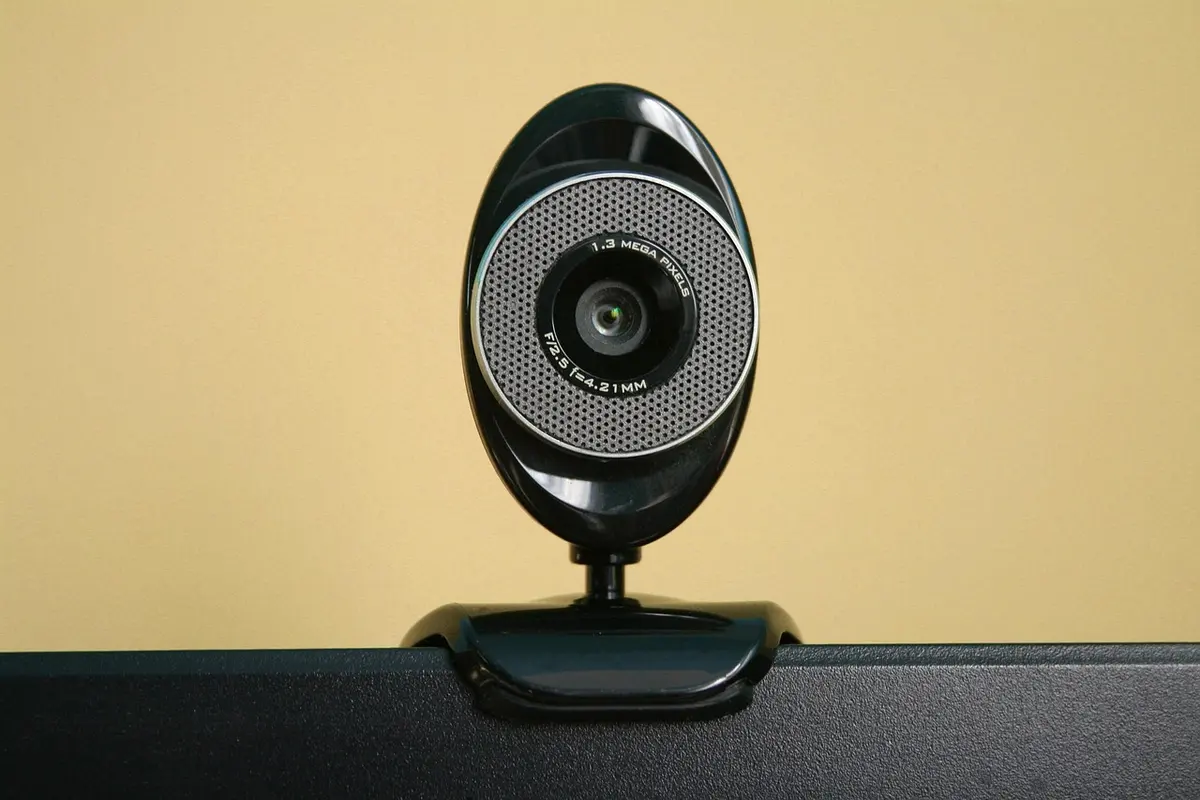
Your Laptop Camera Is Probably Terrible
Let me just say it - that built-in laptop camera is doing you no favors on video calls. Grainy, dark, unflattering angles… we’ve all been there.
After working from home for years and doing countless Zoom calls, I finally upgraded and honestly? People actually commented on how much better I looked. (Not that I care… okay maybe a little.)
Here’s what’s worth your money in 2026.
Top 5 Picks
1. Elgato Facecam Pro - Best Overall
This is what streamers and content creators use, and it shows.
I don’t stream, but I wanted the best for video calls and recording. The 4K quality is crispy and the low light performance means I don’t look like a ghost in my dim office anymore.
What’s good:
- 4K60 HDR video - actually crisp
- Sony STARVIS sensor (the good stuff)
- Amazing in low light
- Tons of customization in software
- Adjustable field of view
What’s not:
- Expensive (it’s pro-level gear)
- No built-in mic (you’ll need a separate one)
Best for: Streamers, content creators, anyone who wants to look their best on camera.
2. Logitech Brio 4K Pro - Best for Business
The corporate world’s favorite for a reason.
If your company is paying for it or you’re in a lot of professional meetings, this one makes sense. The Windows Hello face login is actually convenient, and the RightLight tech handles the weird lighting in conference rooms pretty well.
What’s good:
- 4K Ultra HD quality
- Windows Hello face login
- RightLight 3 handles difficult lighting
- Zoom/Teams certified
- HDR support
What’s not:
- Software can be clunky to set up
- Built-in mic is just okay
Best for: Remote workers, business professionals, anyone who uses Windows Hello.
3. Insta360 Link - Most Innovative
This one’s different - it literally follows you around.
I tried this at a friend’s place and it’s genuinely wild. AI tracking keeps you centered even when you move. Great for teachers, presenters, or anyone who doesn’t want to sit perfectly still. The whiteboard mode for presentations is clever too.
What’s good:
- AI tracking keeps you centered
- Gesture controls actually work
- Whiteboard mode for presentations
- Overhead mode shows documents
- Premium build quality
What’s not:
- Tracking can be distracting for some viewers
- On the pricier side
Best for: Teachers, presenters, anyone who moves around during calls.
4. Logitech C920s Pro HD - Best Value
The classic that just won’t quit.
This is what I started with and what I still recommend to most people. It’s reliable, affordable, and does the job well. The picture isn’t as good as the pricier options, but for regular video calls it’s plenty good enough. Mine lasted four years before I upgraded.
What’s good:
- Reliable 1080p quality
- Dual mics work well enough
- Privacy shutter included
- Works with literally everything
- Great price for what you get
What’s not:
- Only 1080p (no 4K)
- Design is getting a bit dated
Best for: Most remote workers, budget-conscious buyers, anyone who wants reliable without fancy.
5. Anker PowerConf C200 - Best Budget
Solid quality without emptying your wallet.
If you just need something better than your laptop camera and don’t want to spend much, this is it. 2K resolution at a budget price, with decent AI noise reduction for the mic. Nothing fancy, but it works.
What’s good:
- 2K resolution at budget price
- AI noise reduction for the mic
- Privacy cover included
- Adjustable field of view
- Easy plug-and-play setup
What’s not:
- Low light performance isn’t great
- Plastic build feels cheaper
Best for: Budget buyers who still want an upgrade over laptop cameras.
Quick Comparison
| Webcam | Resolution | Key Feature | Price | Best For |
|---|---|---|---|---|
| Facecam Pro | 4K60 HDR | Pro sensor | $$$ | Streaming |
| Brio 4K | 4K30 | Windows Hello | $$$ | Business |
| Insta360 Link | 4K | AI tracking | $$$ | Presenting |
| C920s | 1080p | Privacy shutter | $ | Most users |
| PowerConf C200 | 2K | AI noise cancel | $ | Budget |
Buying Guide
Resolution - Do You Actually Need 4K?
- 720p - Just don’t. Even budget cams do better now.
- 1080p - Totally fine for most video calls, honestly.
- 2K - Noticeably sharper, good middle ground.
- 4K - Overkill for Zoom, but great for streaming or recording.
Features That Actually Matter
- Auto-focus - Keeps you sharp when you move
- Low-light performance - Unless you have great lighting
- Field of view - 78-90 degrees is the sweet spot
- Privacy shutter - Physical cover for peace of mind
Pro Tip: Lighting Matters More Than Webcam
Even the best webcam looks bad in bad lighting. Before you upgrade your webcam, consider:
- Facing a window (free natural light)
- A simple ring light
- Just… not sitting with a bright window behind you
Seriously, a cheap webcam with good lighting looks better than an expensive webcam with bad lighting.
My Honest Take
For most people working from home, the Logitech C920s is honestly all you need. It’s reliable, affordable, and does the job well.
But if you stream or create content? Splurge on the Elgato Facecam Pro. Your viewers will notice the difference.
If you’re somewhere in between - maybe you lead a lot of meetings or want something nicer - the Brio 4K is a solid choice that’ll last years.
Prices change - always check current deals!