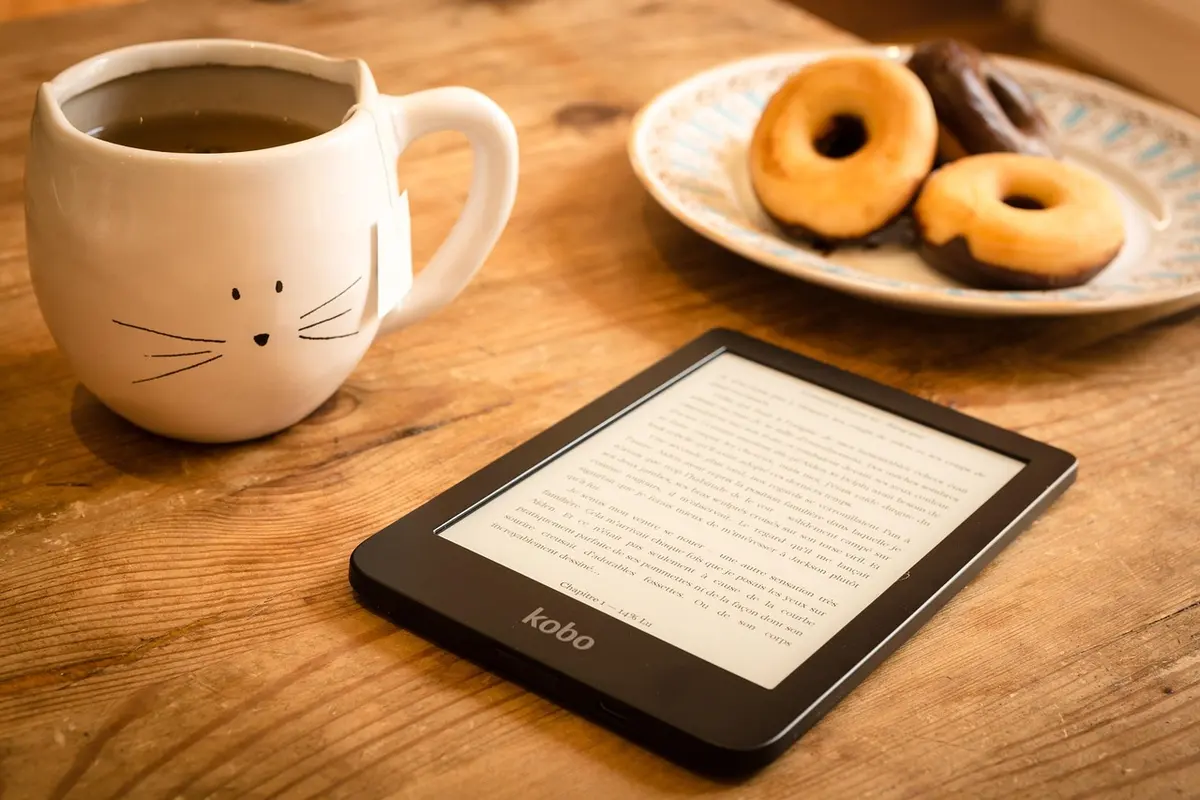
I Was a Paper Book Snob
Yeah, I was one of those people who insisted physical books were better. The smell, the feel, blah blah blah. Then I went on a three week trip and realized I’d packed like 5 pounds of books. Meanwhile my friend had thousands of books on something thinner than a magazine.
After using an e-reader for a year now, I still love physical books for certain things. But having my entire library in my bag wherever I go? Reading in direct sunlight without glare? A battery that lasts literal weeks? I get it now.
The E Ink display really is the key - it looks like actual paper and doesn’t give me the headache I get from staring at my phone for hours.
What I’d Actually Buy
Kindle Paperwhite Signature Edition
This is what most people should get. I’ve been using mine for about a year and have zero complaints.
The 6.8 inch display is a nice size - bigger than older Kindles but not unwieldy. Text looks sharp at 300 ppi. The auto-adjusting light is great for reading at night because I don’t have to manually dim it when I’m falling asleep.
Wireless charging is convenient - I just drop it on the pad by my bed. It’s waterproof too which I’ve tested (accidentally) in the bath. Battery genuinely lasts weeks, not days.
The only real downside is you’re locked into Amazon’s ecosystem. If you have books from other stores in different formats, it’s annoying. But if you mostly buy from Amazon or don’t mind converting files, it’s not a big deal.
Kindle Scribe
I was skeptical about writing on an e-reader but this actually works well. The 10.2 inch screen is big enough to annotate books comfortably, and the pen feels natural to write with.
My coworker uses hers for reading academic papers and taking notes directly on them - says it’s changed how she studies. The handwriting-to-text conversion works better than I expected.
It’s big and heavy for casual one-handed reading though. If you mostly read fiction in bed, this probably isn’t the right choice. But for students or anyone who does a lot of document review, it makes sense.
Kobo Clara 2E
If you want to avoid Amazon entirely, Kobo is the answer. The big selling point is OverDrive library integration built right in - you can borrow ebooks from your local library directly on the device.
It also supports EPUB natively so you don’t have to convert anything. Made from recycled ocean plastic if that matters to you. Waterproof like the Kindle.
The bookstore selection is smaller than Amazon’s and software updates come less frequently. But for library users especially, this is fantastic. I know several people who basically read for free using library loans through their Kobos.
Kindle (2026)
The entry-level Kindle used to be noticeably worse than the Paperwhite. Now the gap is much smaller. It finally has a proper 300 ppi display, USB-C charging, and adjustable lighting.
If you’re buying your first e-reader and don’t want to spend a lot, this is a solid choice. My sister has one and she’s happy with it.
No wireless charging and it’s not waterproof, so don’t read it in the tub. Storage is smaller too. But for basic reading, it does the job at a nice price.
Kobo Libra Colour
Color e-ink has been “coming soon” for years but it’s finally actually decent. The Libra Colour is great for comics, magazines, and cookbooks where you actually want to see the images properly.
Has physical page-turn buttons which I really like - one-handed reading is much easier. Stylus support for notes, waterproof, library integration like other Kobos.
The colors aren’t as vibrant as a tablet - if you’re expecting iPad-like images you’ll be disappointed. But for what it is, it works well enough. And you still get that E Ink eye comfort.
Quick Comparison
| E-Reader | Screen | Storage | Special Feature | Price | Best For |
|---|---|---|---|---|---|
| Paperwhite SE | 6.8” | 32GB | Wireless charging | [Check Price] | Overall |
| Kindle Scribe | 10.2” | 16-64GB | Pen input | [Check Price] | Note-taking |
| Kobo Clara 2E | 6” | 16GB | Library built-in | [Check Price] | Library users |
| Kindle (2026) | 6” | 16GB | Budget 300 ppi | [Check Price] | Budget |
| Libra Colour | 7” | 32GB | Color display | [Check Price] | Comics |
How to Choose
Size
- 6 inches is compact like a paperback, easy to hold
- 7 inches gives you a bit more space without being bulky
- 10+ inches is best for PDFs, documents, or if you want to write on it
Kindle vs Kobo
Kindle makes sense if: You already buy books from Amazon and want the biggest selection with regular updates.
Kobo makes sense if: You use the library a lot, prefer EPUB files, or just want to avoid Amazon.
Features That Matter
- Waterproof - peace of mind near water
- Warm light - easier on eyes at night, I use this constantly
- 300 ppi - this is standard now, don’t buy anything less
- Physical buttons - nice for one-handed reading but not essential
Storage
Honestly 8GB holds like 6,000 books. Unless you’re loading tons of audiobooks or huge PDF files, don’t stress about storage.
My Recommendation
Most readers should just get the Kindle Paperwhite Signature Edition. It does everything well and the wireless charging is genuinely convenient.
On a tight budget? The new Kindle (2026) finally has a good display.
Use the library constantly? Kobo Clara 2E with built-in OverDrive saves so much money on books.
Check for current prices - these go on sale fairly often.